Short, focused walkthroughs to help your team get the most out of the Rent Ready portal. Each video covers a single workflow, watch what you need, skip what you don't.
Orientation walkthroughs to help your team navigate the Rent Ready portal.
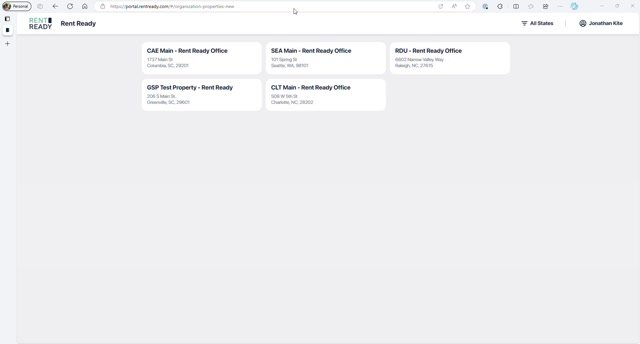
A high-level walkthrough of the Rent Ready portal, navigation, dashboard layout, and the core workflows available to your team.
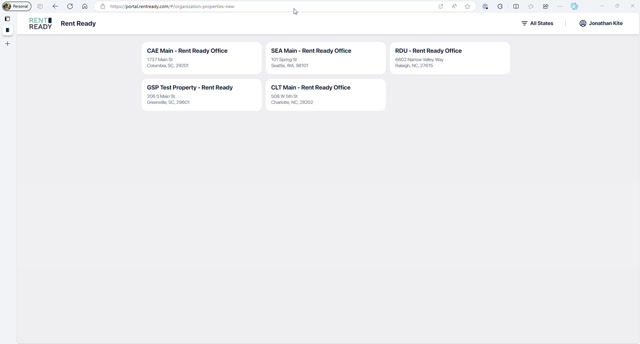
A deeper look at the portal's functional capabilities, how turns flow through the system from scheduling to completion and invoicing.
Day-to-day workflows for scheduling, inspecting, and managing unit turns.
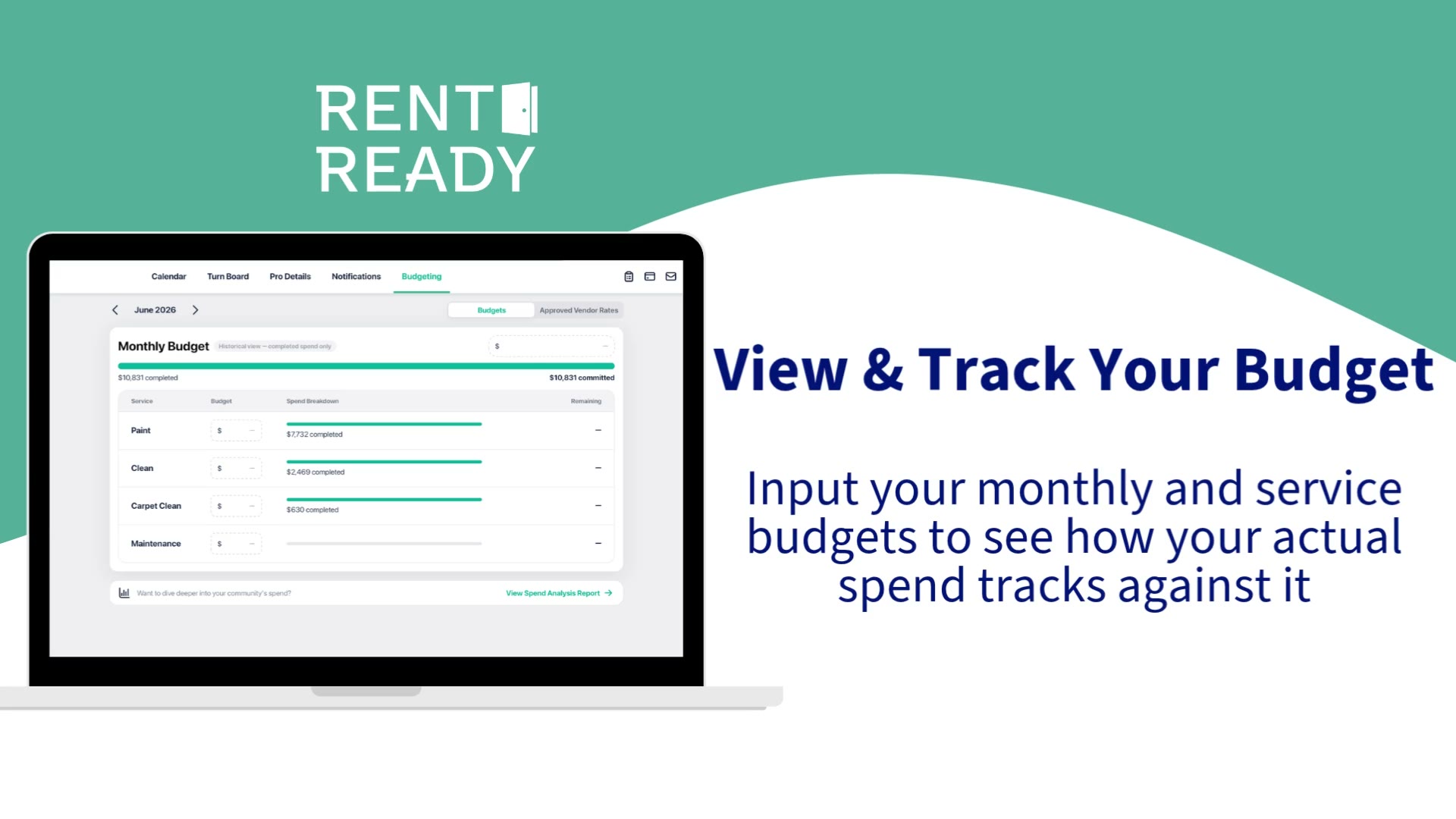
Use the Budgeting page to track completed and scheduled spend by service — Paint, Clean, Carpet Clean, and Maintenance — right alongside your monthly total.
How to create, complete, and review post move-out inspections in the portal, from documenting unit condition to triggering the right services.
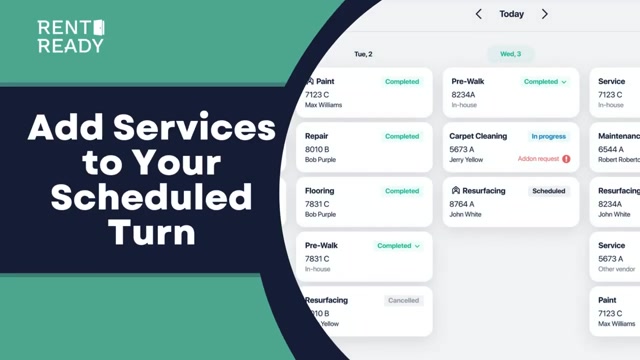
Walk through adding additional services to an already-scheduled turn, useful when inspections reveal work beyond the original scope.
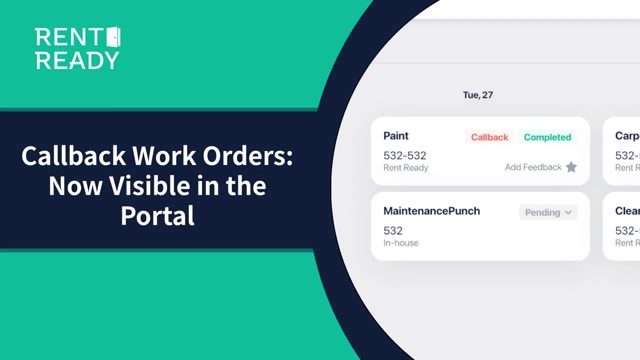
How to request and manage callbacks when a completed service needs follow-up work, keeping turn timelines on track.
Use calendar filters to quickly find specific service types, properties, or date ranges, keeping your team focused on what matters today.
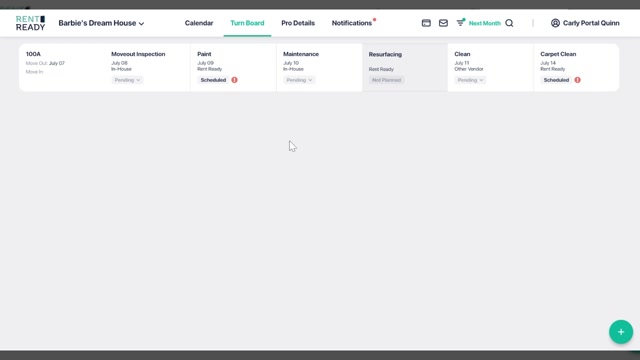
How to convert a service originally scheduled for your in-house team over to a vetted vendor network provider, when capacity or timelines shift.
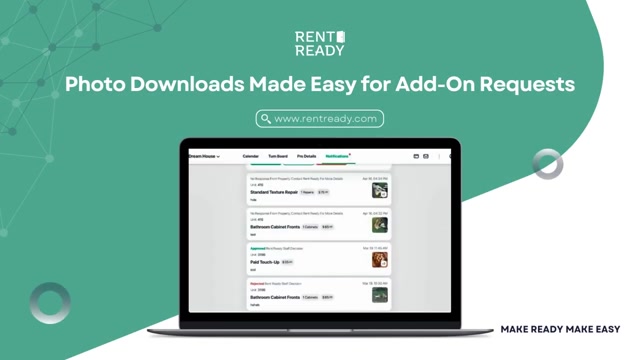
How to download photos attached to add-on requests, useful for documentation, approvals, and sharing with your team.
Attach photos when submitting service feedback in the portal, giving vendors clear visual context on quality issues or completed work.
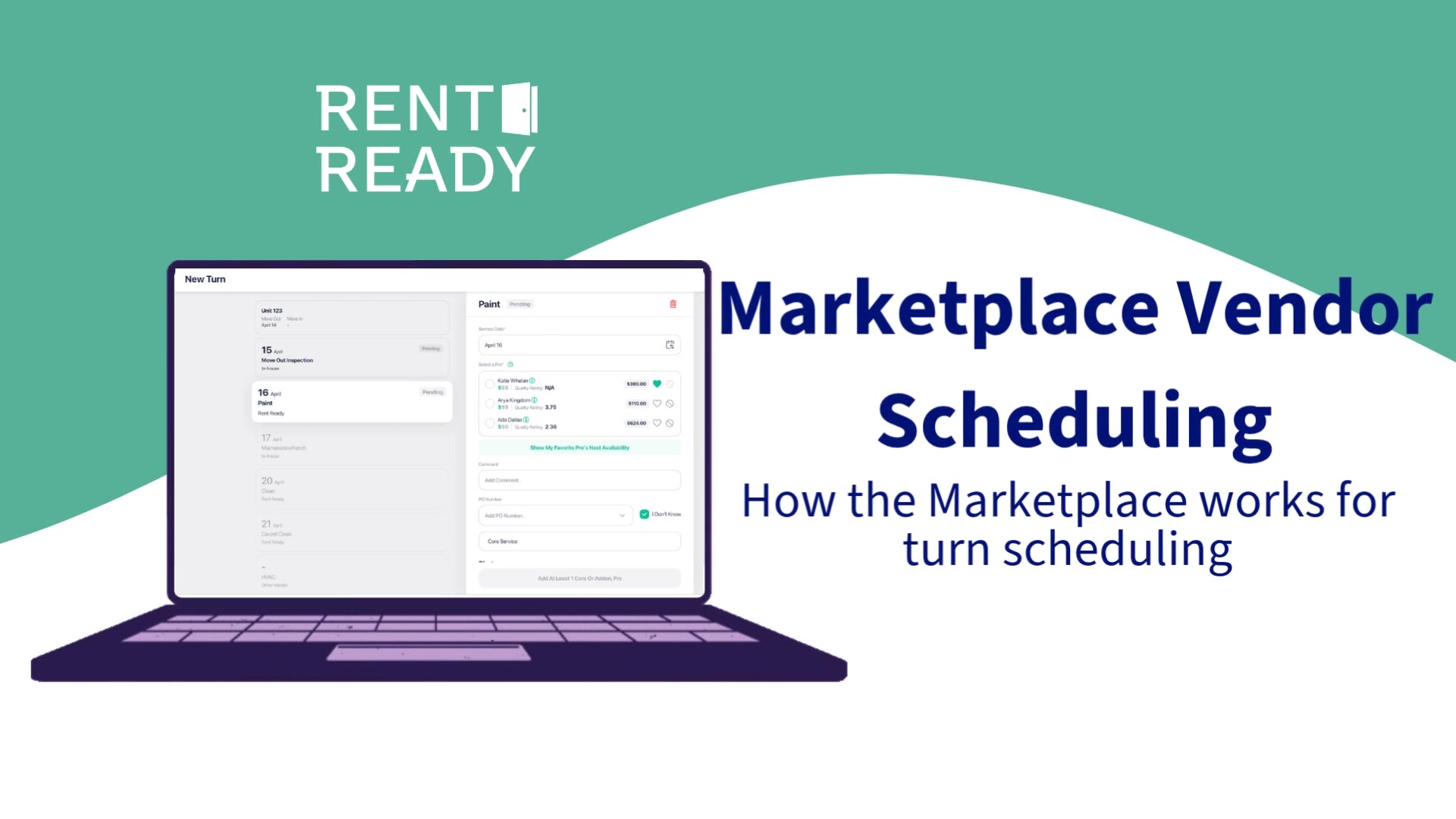
How to schedule a turn through the marketplace, matching each service to a vetted vendor network provider without leaving the portal.
Tools for reviewing, rating, and managing the vendors working your properties.
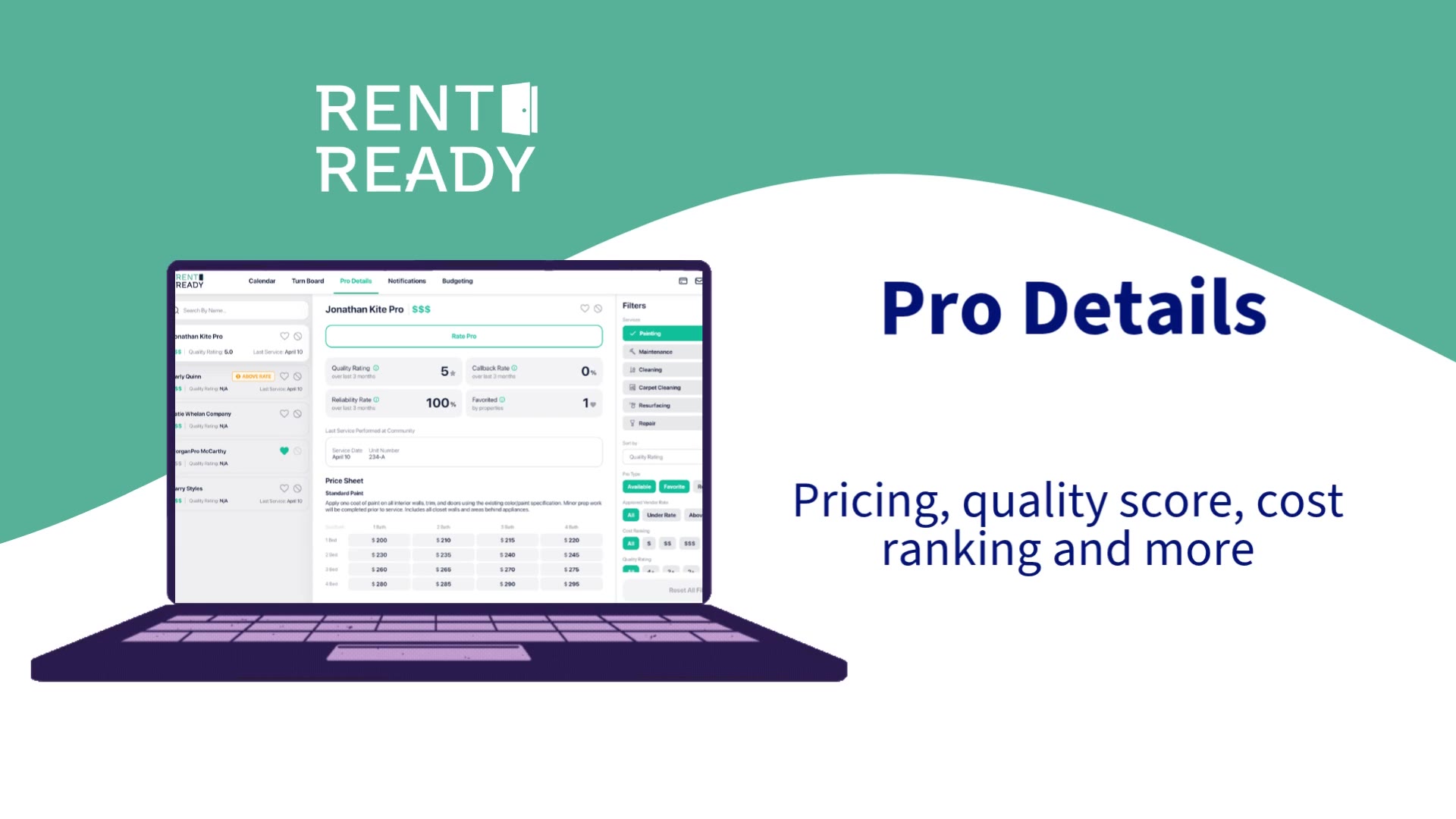
A single screen that pulls together everything you need to know about a vendor, profile basics, recent work on your properties, ratings, and direct contact info.
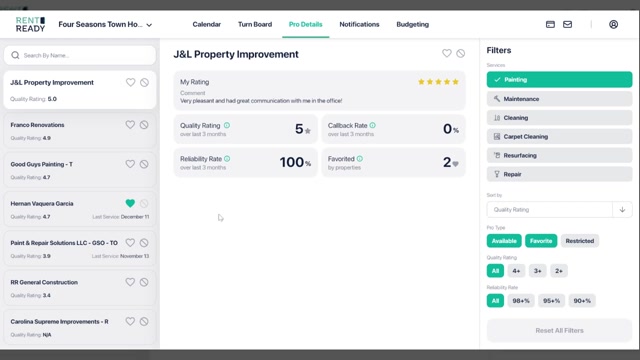
Navigate the pro details page to review vendor profiles, performance history, certifications, and contact information.
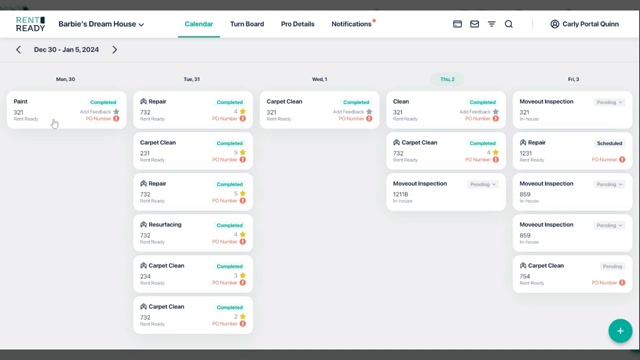
How to submit feedback on a vendor's completed work, ratings, written notes, and photo documentation that feed into overall vendor scoring.
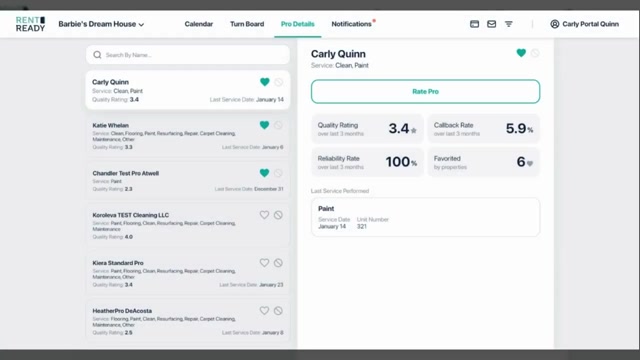
An overview of how vendor ratings work, what factors contribute to a score, how ratings influence dispatch priority, and what you see in the portal.
A quick tour of the Pros section in the portal, your central hub for viewing, comparing, and managing the vendors working your properties.
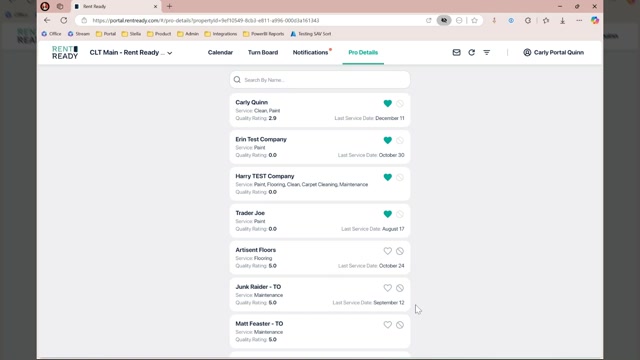
How to review which vendor is assigned to each service within a turn, and access their details directly from the turn view.
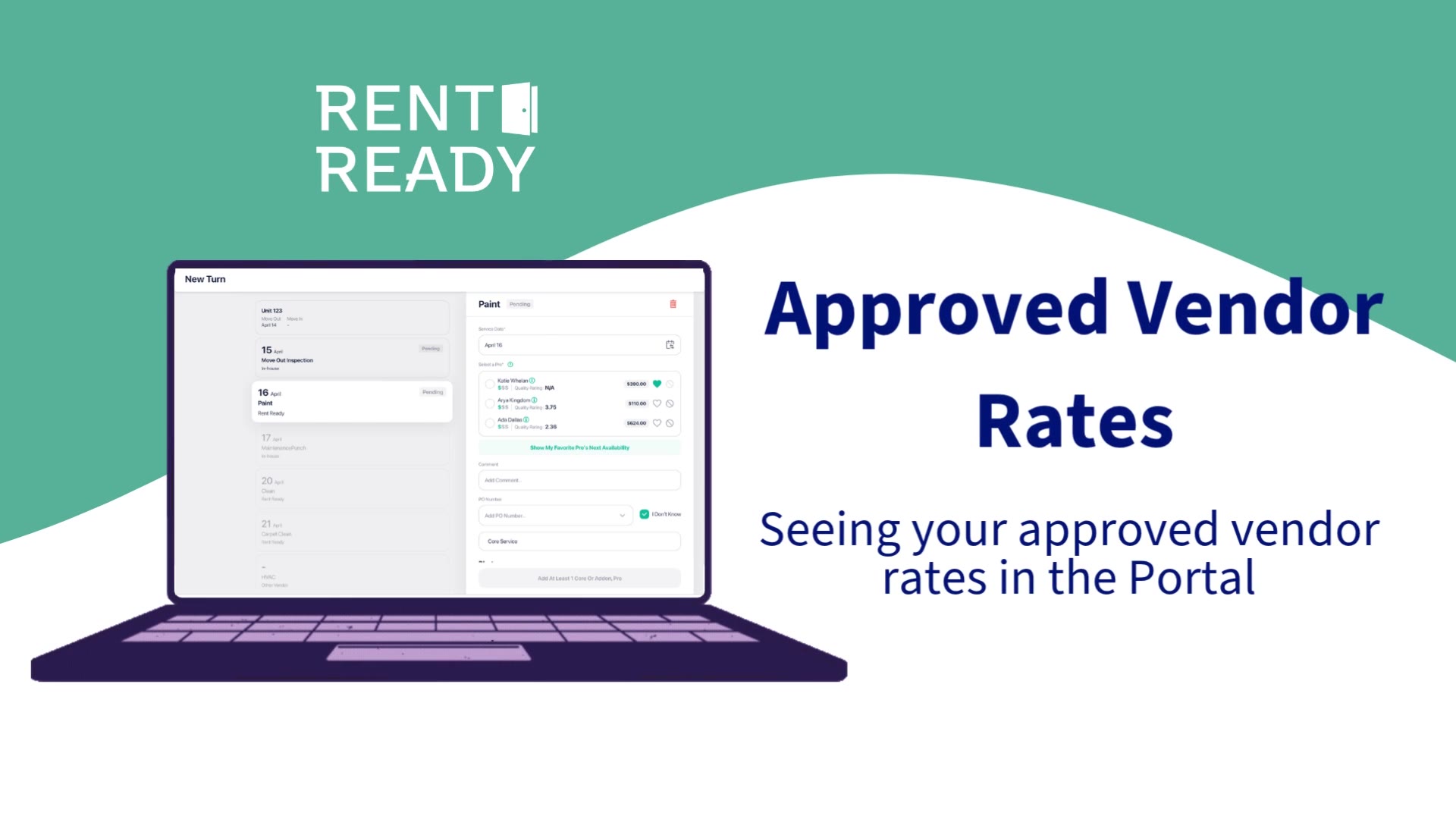
A look at approved vendor rates in the portal, where contracted pricing lives, how it maps to each service, and how to reference it while scheduling work.
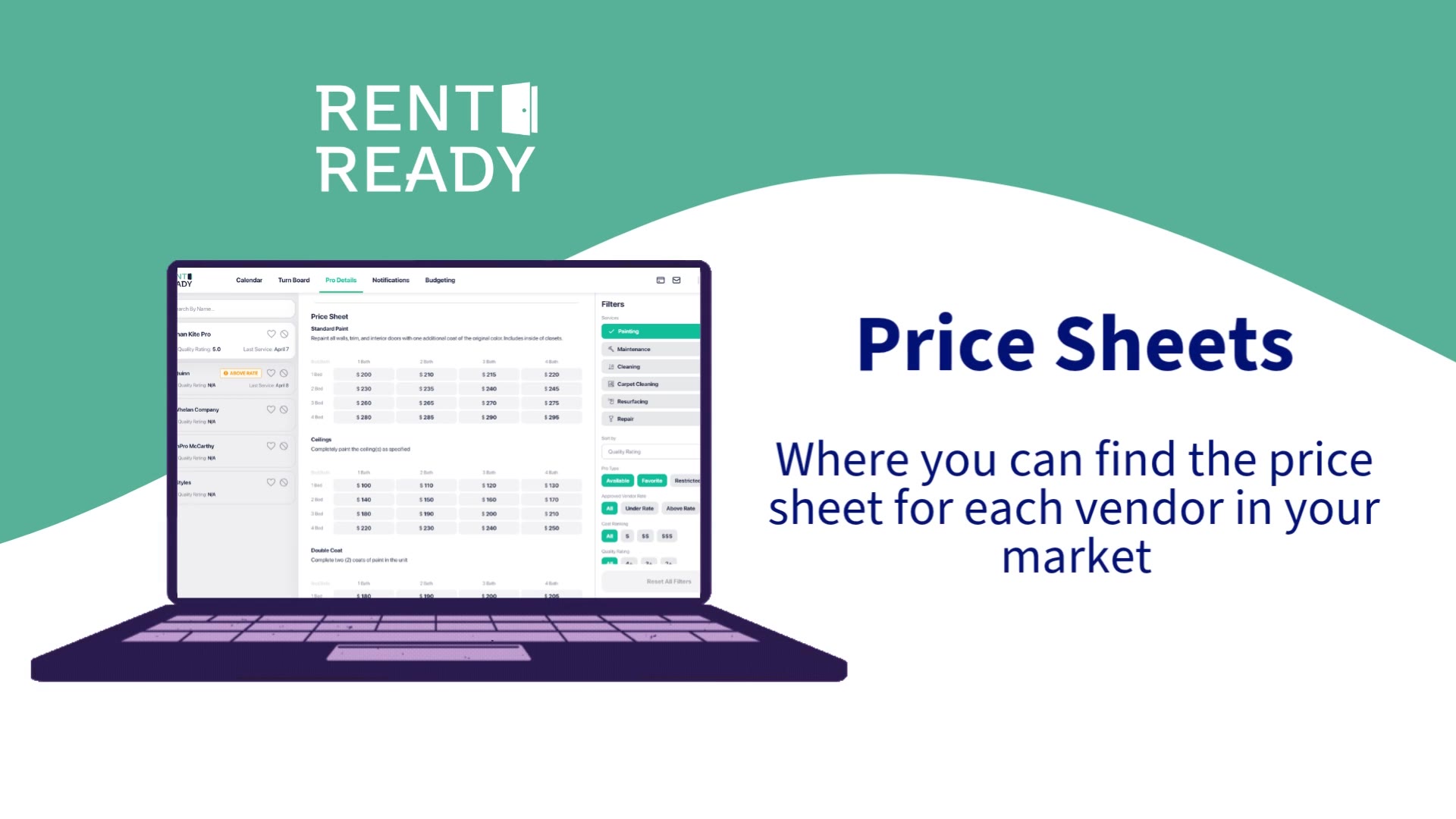
How to open a vendor's price sheet directly from the Pro Details page, giving you quick access to their contracted rates while reviewing performance.
Service verification and approval PIN management.
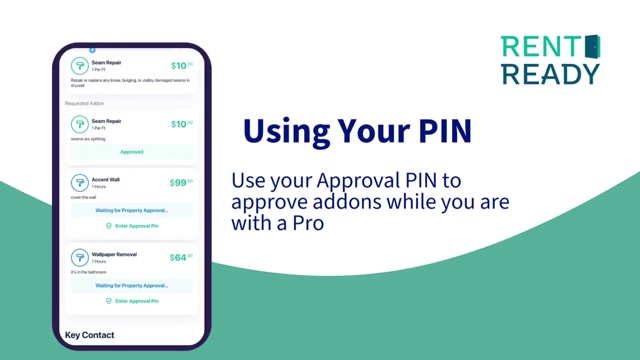
How approval PINs work during on-site service verification, ensuring only authorized personnel can confirm service completion.
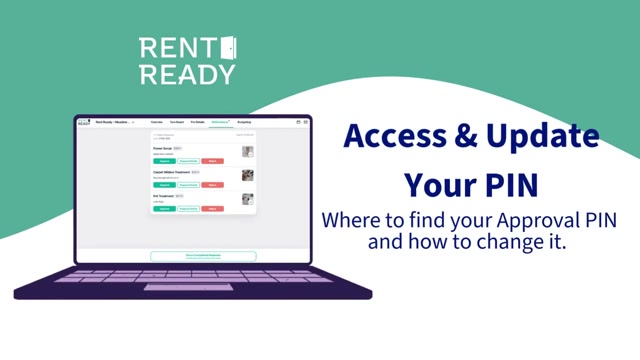
Where to find, create, and update approval PINs in the portal, managing who can verify completed services at each property.
Our team can walk you through any workflow, book a quick call.
